

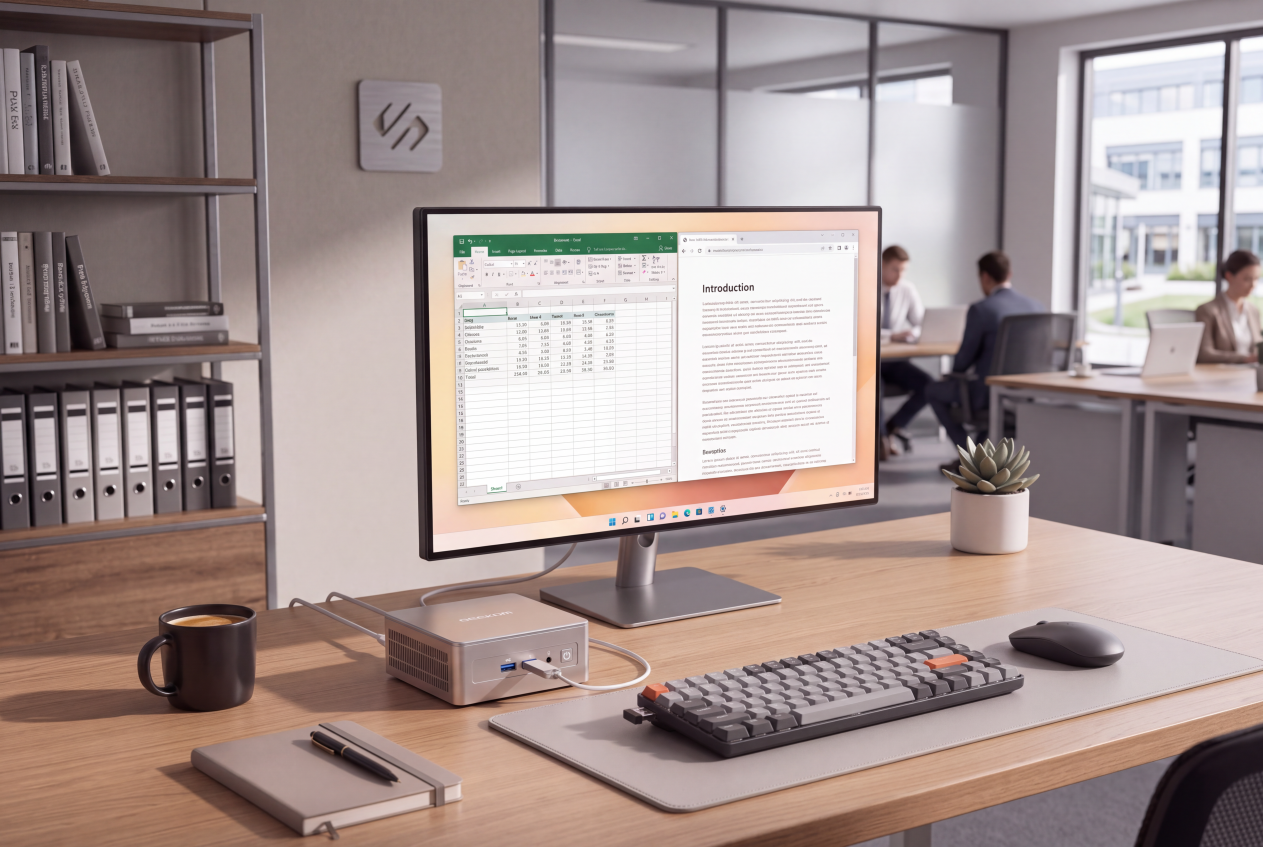



Every small business is asked to do more with less. IT hardware rarely tops the worry list, but it should: the computers your team works on are a recurring, often underestimated cost — the purchase price, the electricity they draw, the desk space they occupy, and replacing them every few years.
This isn’t a sales pitch. It’s a look at whether a mini PC — the compact desktop that’s quietly become a serious business option — can genuinely lower those costs, and where it can’t.
The Hidden Cost of Traditional Office Computers
A standard tower or all-in-one costs more than the sticker price suggests. There’s the upfront outlay, which adds up fast across a team. There’s the electricity: a full-sized desktop left on all day draws power you rarely trace back to the machine under the desk. There’s the footprint — towers eat into desk space. And there’s the replacement cycle, frequent enough to be a planned expense.
None is dramatic alone. Together, across a team and a few years, they’re a steady drain that’s easy to overlook and worth questioning.
What Is a Mini PC — and Why SMEs Are Taking Notice
A mini PC is a full Windows computer shrunk to roughly the size of a paperback. A capable one delivers desktop-class performance in a palm-sized chassis, running the same Windows and applications your team already uses. What’s changed recently is that these machines now handle mainstream business work comfortably — which is why more SMEs treat them as a straight replacement for the tower.
Where Mini PCs Save SMEs Money
Lower upfront cost. For comparable everyday performance, a mini PC often costs less than an equivalent tower — and that per-unit difference multiplies across a team.
Reduced energy bills. This matters most to cost-conscious SMEs. Mini PCs use low-power components, so a machine left on all day draws considerably less than a full-sized desktop doing the same tasks — month after month, across every desk.
Space savings. Many mount directly behind a monitor, so the computer effectively disappears — a real advantage in small offices, at hot desks, or behind a shop counter.
Quiet, low maintenance. A machine that stays quiet during everyday tasks is easier to live with than a humming tower, and with fewer moving parts there’s less for a business without dedicated IT to maintain.
Where a Mini PC Fits — and Where It Doesn’t
A mini PC isn’t right for every job, and knowing the boundary is what makes it a smart purchase rather than a false economy.
It’s an excellent fit for everyday business computing: documents, email, spreadsheets, web software and video calls — a reliable daily driver for remote work and multitasking. It also suits front-of-house, retail and digital signage. It isn’t the right tool at the heavy end — intensive 3D rendering, high-end video production, or anything needing major internal expansion — which still belongs on a full workstation. A simple test: if your team’s work is mostly a browser, an office suite and a few business apps, a mini PC will likely cover it.
What to Look For When Choosing a Business Mini PC
Treat this as a buying checklist rather than a spec sheet.
Memory and storage. Make sure there’s enough RAM and storage for real office multitasking — plenty of browser tabs, an office suite, and business apps at once.
Connectivity, especially dual displays. Two screens are standard for many office roles, so check the machine can drive them. The better options offer dual-display support, USB4 and Thunderbolt 4, which also future-proofs you for docks and peripherals. A well-built mini PC for business covers this comfortably.
Warranty and support. For an SME without in-house IT, this matters more than any single spec. Look for solid warranty cover and support you can actually reach; GEEKOM, for example, backs its machines with a three-year warranty — the kind of reassurance that stops a hardware fault becoming a business problem.
Build and efficiency. A machine that runs all day should be built for it, and its low-power design is exactly what drives the energy savings above.
A Practical Illustration
Consider a ten-person team moving from ageing towers at their next refresh. The savings land in three places at once: a lower price across ten machines, less electricity over an eight-hour day, and reclaimed desk space. None is enormous alone, but as a recurring saving across years of refresh cycles, it’s the quiet efficiency a lean business is glad to bank. (Exact figures depend on your machines, usage and tariff.)
Frequently Asked Questions
Are mini PCs powerful enough for business use?
For the vast majority of office work — documents, email, spreadsheets, web software and video calls — yes, comfortably. The exceptions are heavy creative or engineering workloads, better kept on a full workstation.
How much can a small business save by switching?
It varies with your machines, team size and energy tariff, but savings come from three directions: lower upfront price, reduced energy use, and less spent on space and maintenance.
Can a mini PC run dual monitors?
Most business-grade mini PCs support two or more displays as standard — just confirm the ports before buying.
Are mini PCs reliable enough for daily use?
Yes. With fewer moving parts and less to maintain, a well-built mini PC suits always-on office use — and a solid warranty matters for any business without dedicated IT.
The Bottom Line
A mini PC won’t replace every computer, and it isn’t meant to. What it does is let an SME put the right machine in the right role — and on the many desks that only need everyday computing, a compact, low-power mini PC quietly trims the upfront cost, the energy bill and the clutter. For a business watching every line of spending, that’s worth a look at the next hardware refresh.