



Creators and marketers do not struggle because they lack AI video tools. They struggle because most of those tools still think in short bursts.
An eight-second product spin looks fine in a demo. A paid campaign, launch film, or founder explainer usually needs more: a hook, proof, context, and a clean close. When teams try to fake that length by stitching five short generations, the seams show up as continuity errors, rushed edits, and extra hours nobody budgeted for.
That is the practical gap Seedance 2.5 is built to close. It is a multimodal AI video model for coherent clips up to about thirty seconds, guided by text plus image, video, and audio references — aimed at production-minded creators and marketers rather than one-off novelty clips.
Why short AI motion tools are not enough for every brief
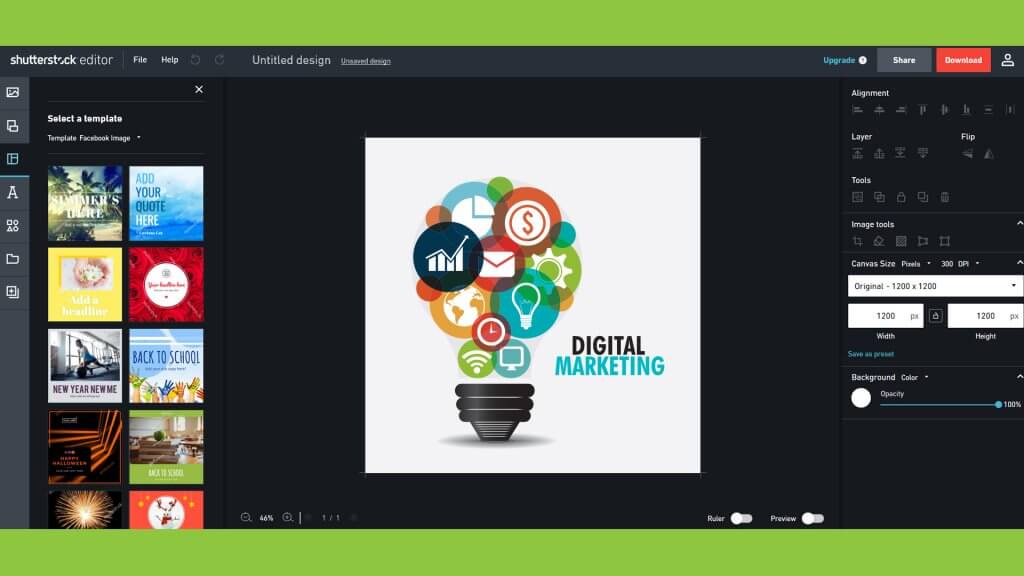
Template-led motion graphics platforms remain excellent for social lower-thirds, animated captions, and fast brand kits. Generative clip tools are strong for single-scene experiments.
Campaign work asks different questions:
- Can one pass carry setup, proof, and CTA?
- Will the product label still be readable at second twenty?
- Can music, voice, and picture land together?
- Can we revise a weak middle without regenerating everything?
If the answer has to be yes, you need a longer multimodal generation lane — not another motion preset.
What Seedance 2.5 actually gives marketing teams
Longer single-pass room
Seedance 2.5 supports roughly 4–30 second generation in one go. For SMEs and content teams, that means a complete short ad arc is possible without building a fake thirty seconds from disconnected fragments.
Multimodal references that protect the brief
Upload packshots, lifestyle stills, short motion refs, and audio cues within supported limits. Treat every file as a role: identity, SKU, world, or sound. Labeled kits beat vibe folders — especially when ecommerce creatives need the bottle, logo zone, or UI to stay honest.
Timing and storyboard-friendly direction
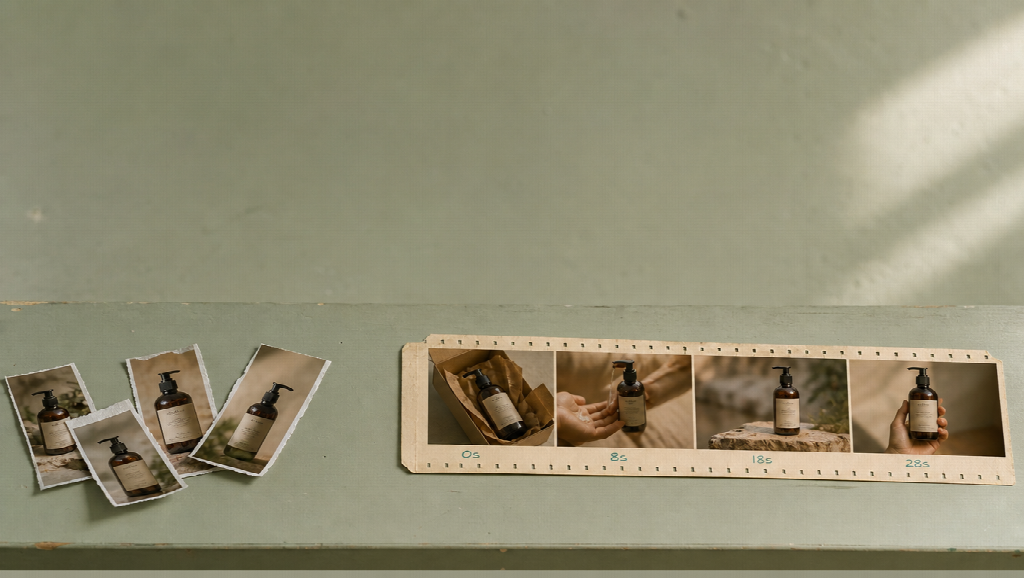
Write the spot like a mini shot list with second ranges. Storyboard, keyframe, or previs-style references help when the campaign already has a visual plan. Second-level direction is how marketers keep control without learning a full NLE on day one.
Dialogue and subtitle pressure for explainers
Founder updates, product walkthroughs, and localized ads benefit when speech and on-screen text are part of the generation brief instead of a messy afterthought.
Five practical ways creators and marketers can use it
1. Complete product ads for paid social
Best for: ecommerce and DTC teams who already have packshots and a clear offer.
Open on the product, prove one benefit, show context, end on a CTA hold. Keep the SKU lock consistent across the pass.
2. Launch films that need more than a hook
Best for: startups announcing a feature, collection, or seasonal drop.
Use Seedance 2.5 when the story needs room to breathe — not when you only need a three-second attention grab.
3. Fashion and lifestyle lookbooks
Best for: brands that care about wardrobe, color, and location continuity across a short sequence.
4. Avatar-led or presenter-style explainers
Best for: educators, SaaS marketers, and consultants who need a clear spoken walkthrough up to half a minute.
5. Concept tests before a live shoot
Best for: agencies and in-house teams validating a board with clients before booking a crew.
In each case, the model is the execution engine. Your brief quality still decides whether the output ships.
A simple workflow that fits SME calendars
- Write one claim and four timed blocks (hook → proof → context → close).
- Attach only role-labeled references.
- Prompt with camera verbs, locks, and a short do-not list.
- Preview identity and product readability before the hero render.
- Export for the platform ratio you actually buy media against.
This checklist keeps credit spend under control and makes Seedance 2.5 feel like production software, not a toy.
How it sits next to motion graphics tools
Use Canva-style or Express-style tools when the job is templated motion, captions, and high-volume social variants.
Use experimental generative editors when you need look exploration or effects-led inserts.
Use Seedance 2.5 when the deliverable is a complete short video beat with continuity pressure — especially product and story spots in the 15–30 second range.
Many marketing teams will keep more than one tool. The upgrade is knowing which brief belongs where.
Who should try Seedance 2.5 first
Strong fit
- SME marketers shipping weekly product video
- Creators building offer-led Shorts / Reels / TikTok ads
- Small agencies prototyping campaign films for clients
- Ecommerce teams with existing packshot libraries
Weaker fit
- Teams that only need animated text on a static graphic
- One-off novelty clips with no brand locks
- Projects that still have no claim, no references, and no timed structure
Final take for creators and marketers
The next useful step in AI video for marketing is not another effect pack. It is finishing a thought in one controlled generation.
Seedance 2.5 is worth a serious trial when your calendar is full of spots that used to die between “great first three seconds” and “we will fix continuity in the edit.” Bring a clear brief, lock what must stay consistent, and generate the full beat on purpose.
For teams ready to move from short AI fragments to campaign-ready short videos, start with the Seedance 2.5 workflow on Topview and judge success the way marketers already do: on-time delivery, readable product truth, and creative that can actually run.